Build, monitor, and ship agents from one console

Build and monitor agents from one console, built in-house on our own stack.

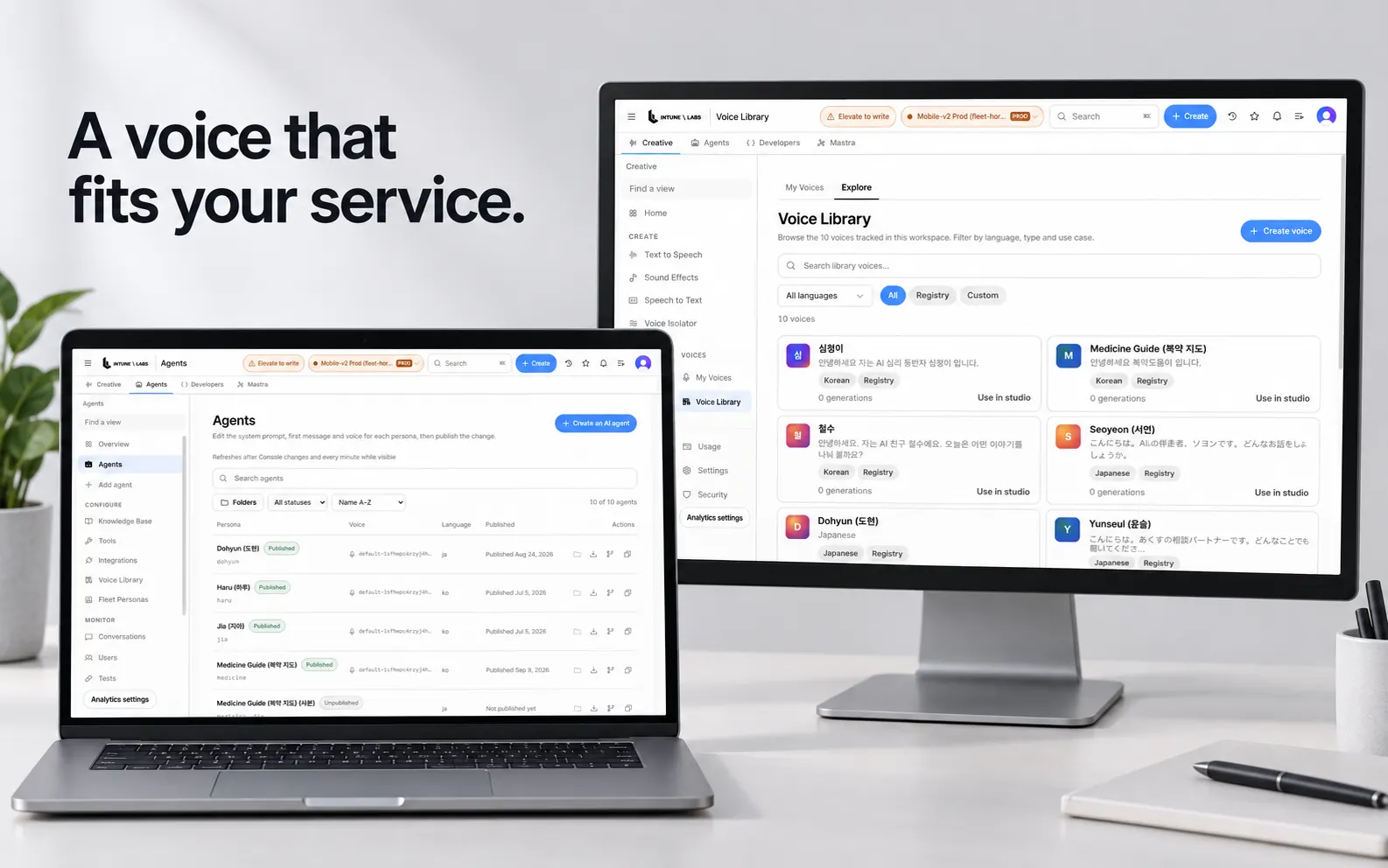
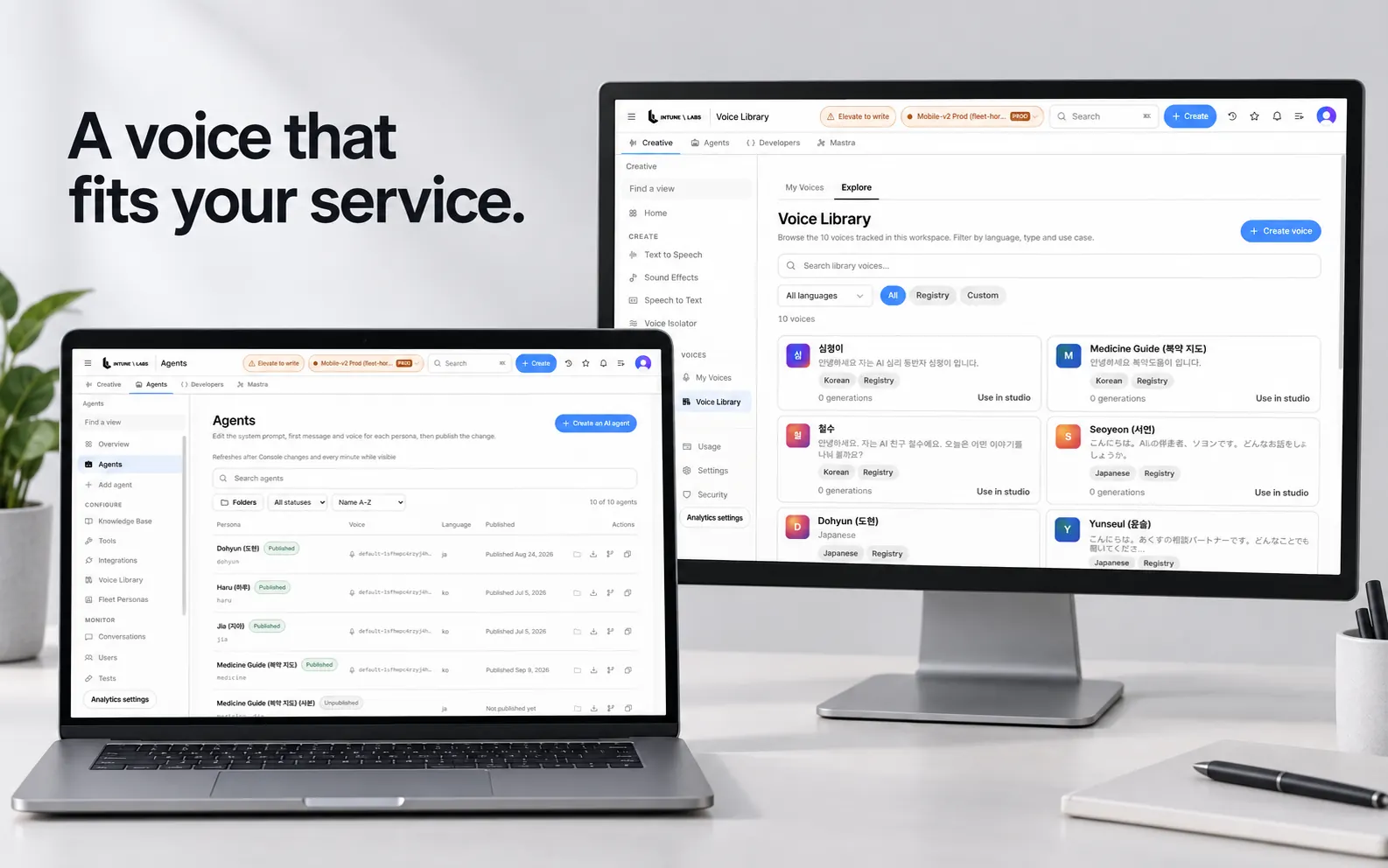
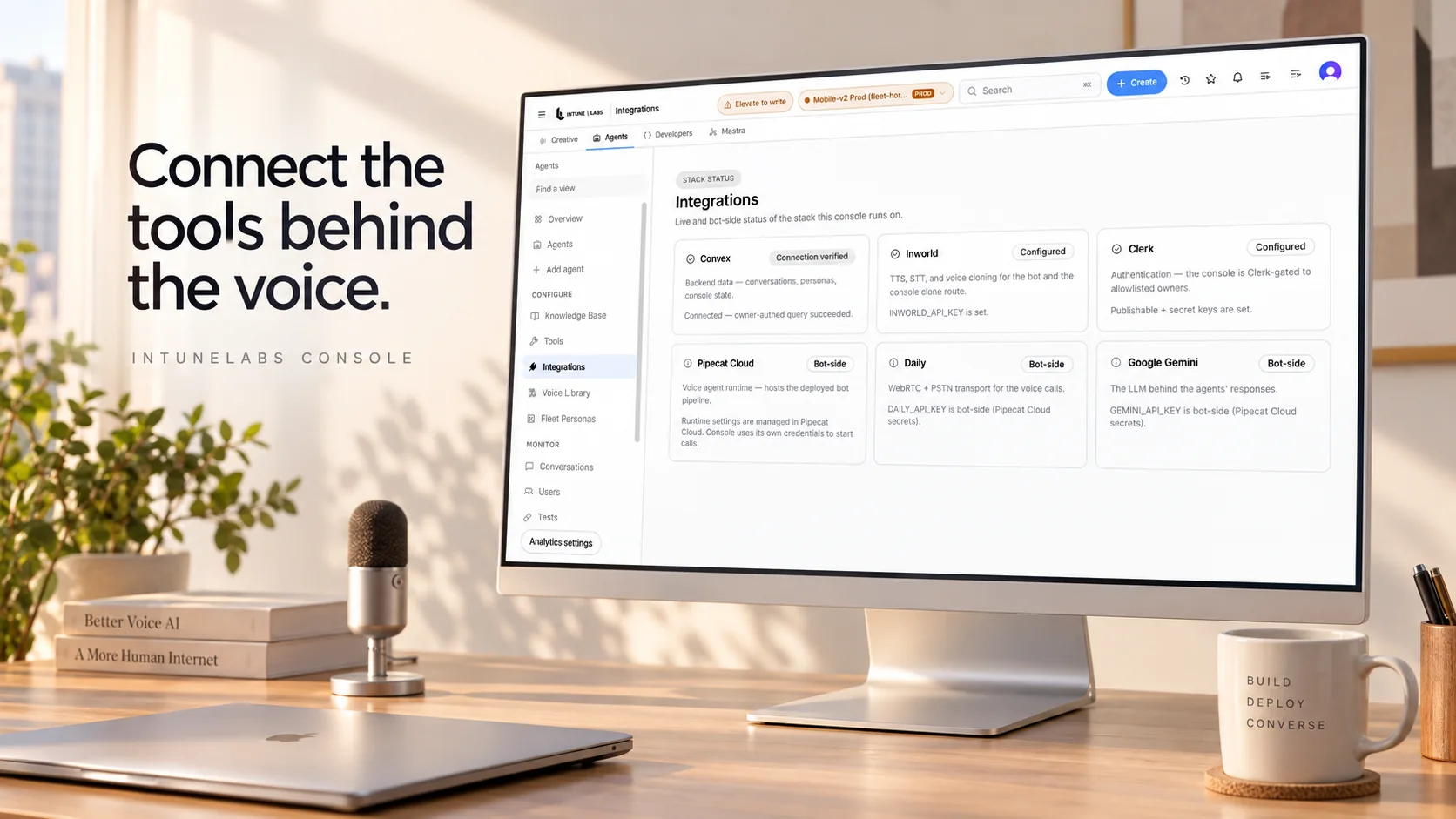
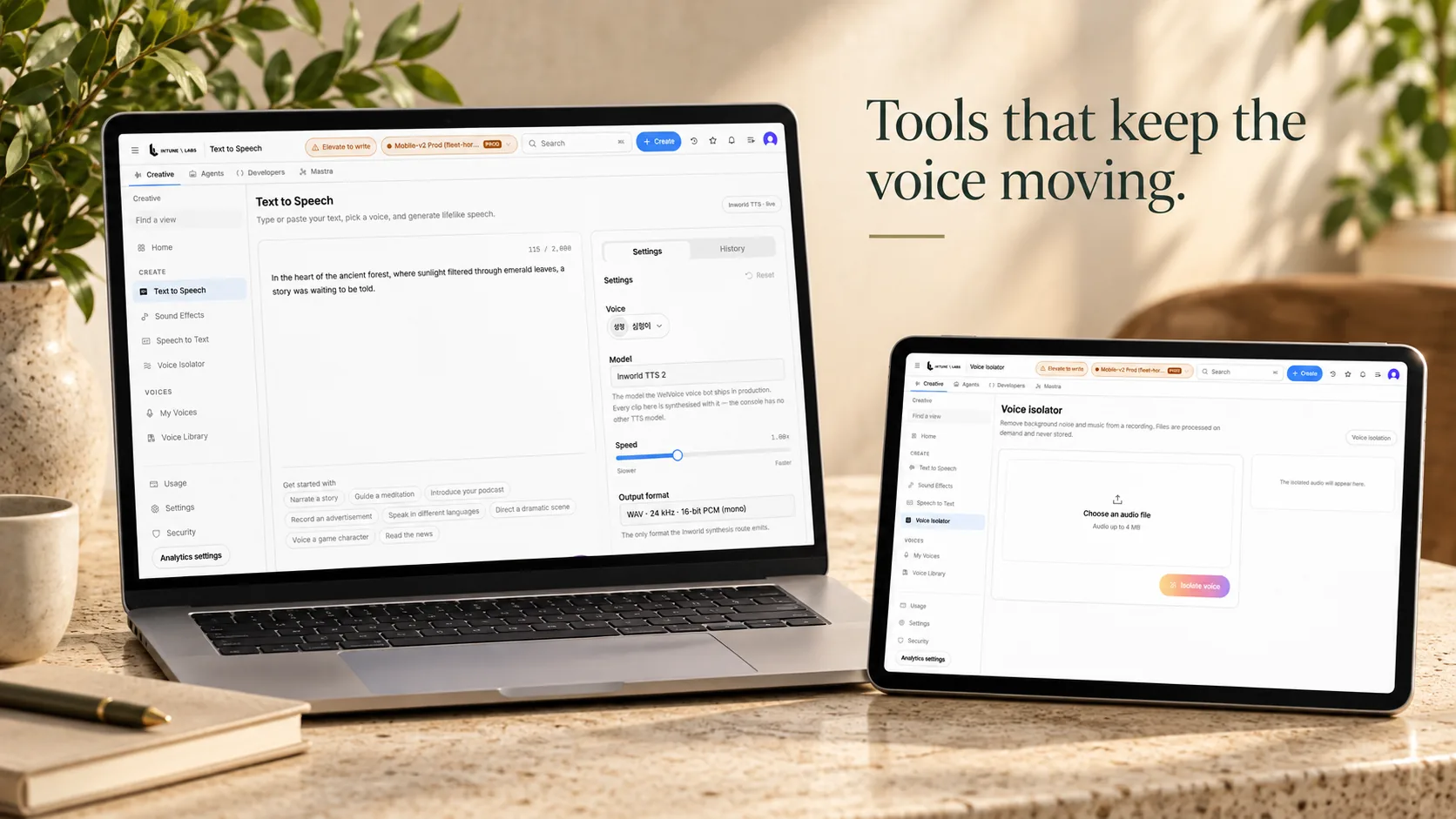
The operator console showing the agents list and deploy navigation

The production console, as it ships.

Build the agent

Compose a voice agent in the console — voice, knowledge, and behavior — with no separate tooling.

Monitor every call

Watch live call sessions, transcripts, and analytics, and catch gaps as they happen.

Ship on your own stack

Deploy through the same guarded pipeline the whole platform runs on — a human is the only gate to production.

Improve in plain language

Refine behavior and correct the agent over time from the console.

Call queueLive transcriptCall recordsMember recordsSchedulesFollow-upsAPI keysRequest log

One connected flow

One call, followed end to end in the console

The transport connects, the conversation is transcribed live, and the record and its follow-ups hand off to the console. Redaction and risk scoring are already done while that call is happening — not in a batch afterwards.

Browser call

12m 04s

Duration

TransportWebRTC
LanguageKorean
TranscriptLive
StateConnecting
Open transcript

Live transcript

Member #1042 · redacted

  • Agent · Hello — just calling to check in with you today.
  • Member · Yes, I'm doing all right.
  • Agent · Take your time; I'll wait.

Personal identifiers are stripped inside the same pass that handles the turn.

Follow-up1 item

Ask the care lead to confirm

Care team

DueToday
AssignOpen record
OverviewEvents and logs

Member

Member #1042Active

Recurring check-in · Next call Thursday at 10:00

Calls

12m 04s Complete
06m 41s Complete
09m 12s Complete

Transport

Browser · WebRTC

The mobile app runs against the same pipeline

Console screens

Every capability, honestly labeled

Each capability with its real maturity — production, beta, or in development — measured against the actual repository, not a roadmap.

See the platform
  • Text to Speech

    Turn text into lifelike speech

  • Speech to Text

    Convert audio and video into precise, editable text

  • Voice Isolator

    Remove background noise, music, and interference to leave clean, professional speech

  • My Voices

    Voices you own — cloned, designed, and saved from the library

  • The API keys screen, listing keys and the create action

    API Keys

    Create keys to authenticate API requests

  • Webhooks

    Receive events when generations finish, calls complete, or transcriptions are ready

  • An analytics screen showing recent requests and their metrics

    Request Log

    The most recent API requests with method, status, latency, and key

  • Sound Effects

    Describe a sound in plain language and get four royalty-free samples in seconds

Build and monitor

The place you build it is the place you watch it

The screen where an agent is composed and the screen where you watch that agent take a call live in the same console.

Build the agent

Compose a voice agent in the console — voice, knowledge, and behavior — with no separate tooling.

See how it is composed

Monitor every call

Watch live call sessions, transcripts, and analytics, and catch gaps as they happen.

See how monitoring works
1const session = console.createSession({2  locale: "ko-KR",3  transport: "webrtc",4});56session.pipeline([7  transport,8  stt,9  korean_turn_tuning,10  llm,11  tts,12]);1314// Transcripts are redacted before the console records them.15session.on("transcript", (turn) => {16  record(turn.redacted);17});
Operator console3

Creative

Generate speech and manage voices

Open

Agents

Deploy and monitor voice agents

Open

Developers

API keys, webhooks and usage

Open

Screens

Call queueTranscriptsMember recordsSchedules
Call queue

Member #1042

Recurring check-in · Browser

On a call

Member #0887

Follow-up call · Mobile

Awaiting review

Member #1130

Recurring check-in · Browser

Complete

Member #0471

Recurring check-in · Mobile

Complete

Example screen.

Put a voice agent to work in care

Book a walkthrough of WelVoice and the operator console — voice agents for care calls on your own stack.

Docs

How a session, its transcript, and its record connect inside the console.

Read the docs

Guides

From rollout design to day-to-day operations, in the order teams actually work.

Read the guides

Every console screen on this page is an example. It shows no captured media, no customer, and no real care setting, and member rows are masked identifiers. Everything that reaches production passes one human gate. IntuneLabs holds no security or privacy certification.