Live
WebRTC (browser)
Transports
Runs a full realtime voice session in the browser — no install, and the same pipeline, processors, and flags the mobile app runs against.
- Browser voice
- No install
- Realtime
Voice engine
Integrations
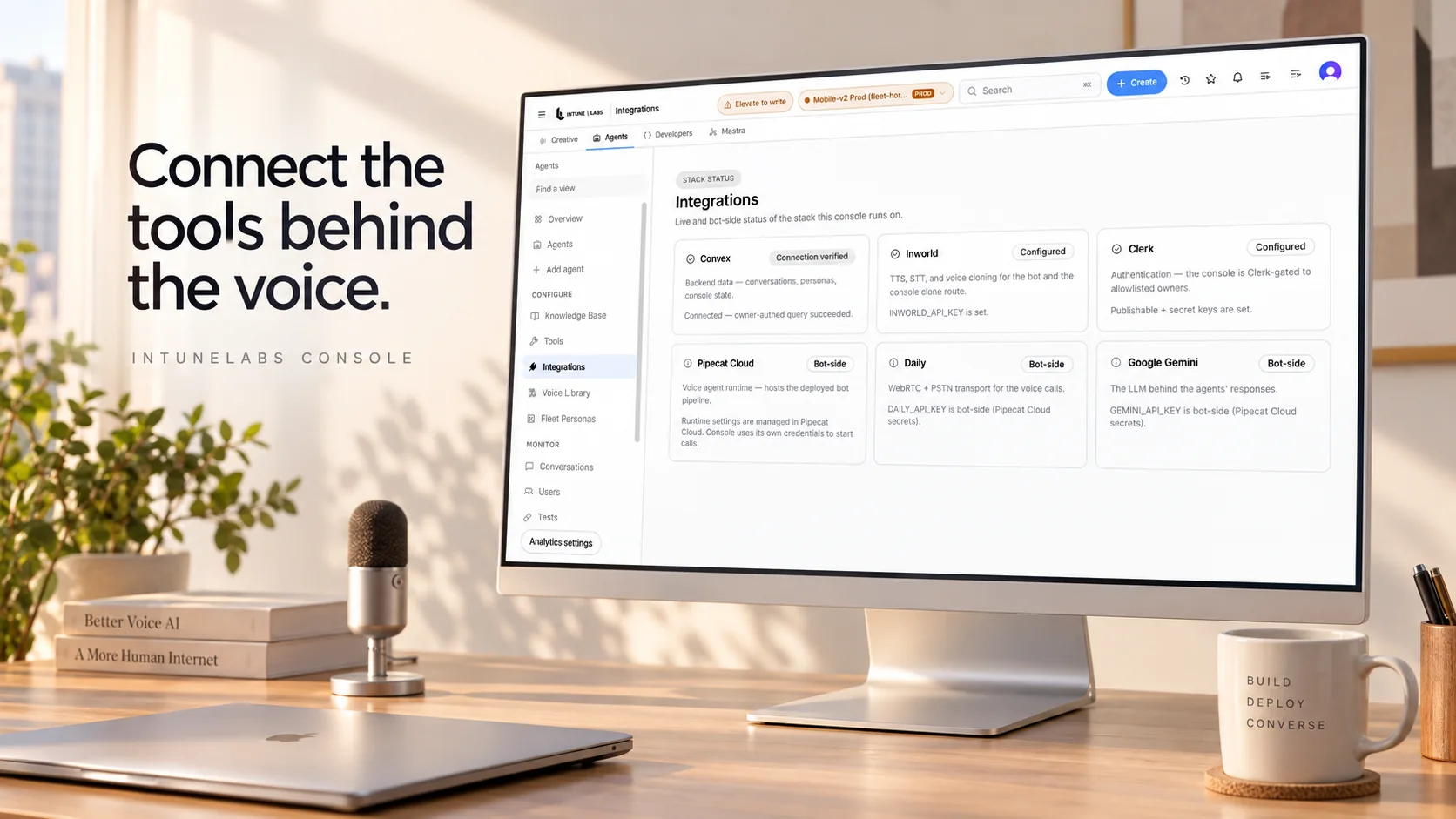
Voice services bring several tools together to listen and respond. Explore the tools IntuneLabs works with, what is available today, and which connections need additional setup.
The distinction to check before you buy
Browser voice and mobile voice are the transports running in production today. Telephony is built and key-gated, and it is not carrying production phone calls. If you need the phone network, it is integrated per deployment on Production or Enterprise — not switched on out of the box.
The paths a call actually travels. Browser voice over WebRTC and native mobile voice are live today; the telephony transport is built and key-gated.
Best-of-breed vendor models, selected per role for speech-to-text, language, and text-to-speech. We don't claim to own the models, and we don't depend on any single one.
The surfaces the same pipeline reaches. iOS, Android, web, and the care-operations backend each read from one pipeline rather than a per-surface fork.
An entry's state is only one of live, key-gated, or planned. It is never a certification level and never a commercial relationship — no name here implies partnership or endorsement.
What are you looking for
Pick one and the list below narrows to it — or search across all of them.
The paths a call actually travels, with what is live today marked separately from what is built and key-gated.
The vendor models orchestrated per role across speech-to-text, language, and text-to-speech.
The iOS, Android, web, and care-operations surfaces the same pipeline reaches.
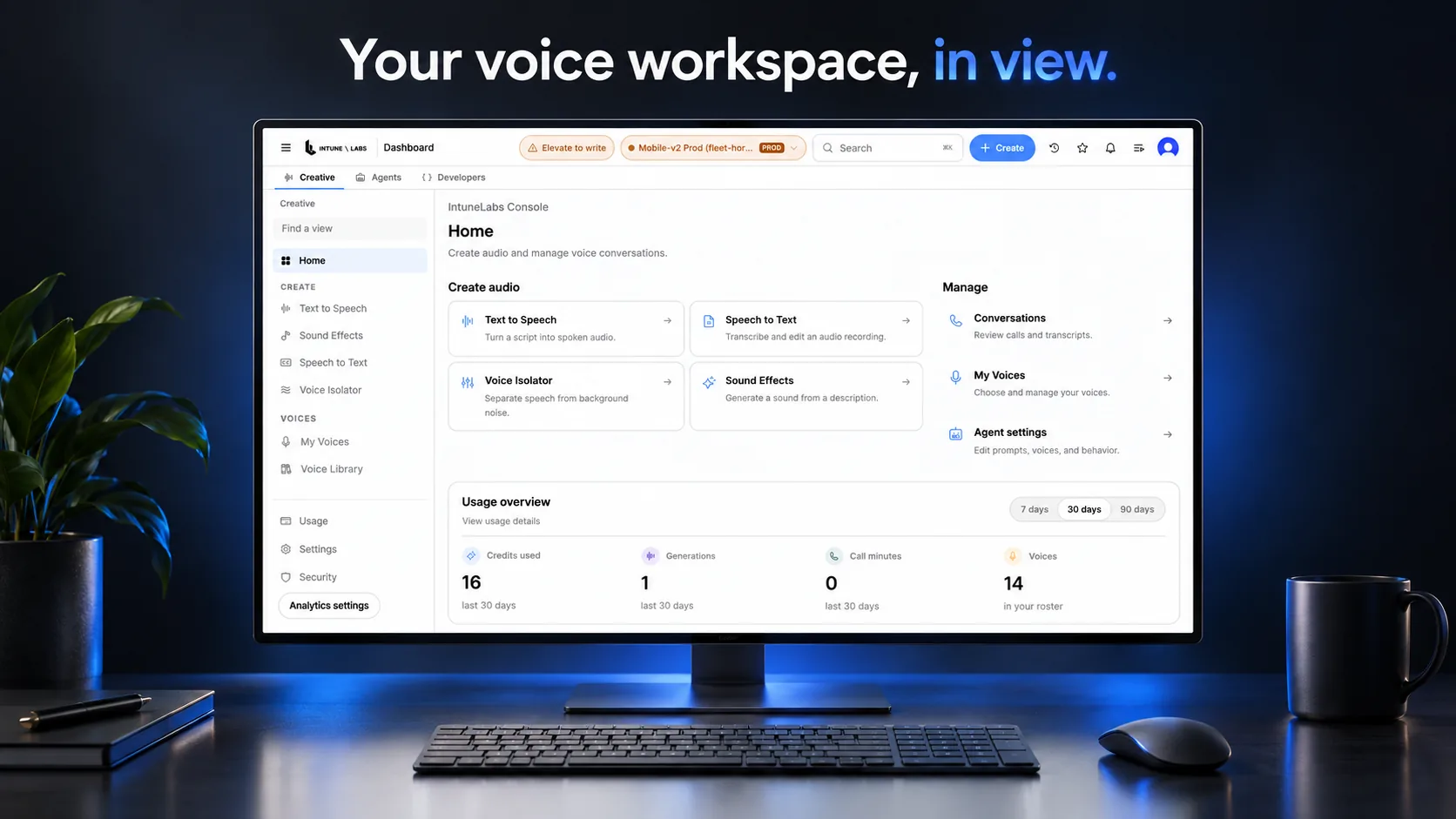
The operator console, console API, call records, and feature flags that handle what a call produced.
Directory
Filter by kind, surface, and state. Everything here runs locally in the page — no request leaves your browser.
16 entries
Transports
Runs a full realtime voice session in the browser — no install, and the same pipeline, processors, and flags the mobile app runs against.
Transports
The realtime media layer that carries audio for a browser session. The pipeline runs on top of it and is not pinned to any one provider.
Transports
The telephony transport is built but key-gated. It is not handling production phone calls today, and it is listed here as built, not as shipped.
Transports
The native mobile app runs the same realtime voice stack, so a change to turn-taking or failover lands on both surfaces.
Model roles
The role that turns what was said into text. Vendor models are selected per role and orchestrated; we do not train them.
Model roles
The role that carries the conversation. Our work is the orchestration and the layer around it; we don't claim to own the model.
Model roles
The role that turns text into speech. Korean text normalization runs before synthesis, so spoken output reads the way a Korean speaker would actually say it.
Model roles
When a synthesis vendor stops responding mid-call, the pipeline switches to another one and stays there for the rest of that call instead of flapping.
Platforms
The native iOS app. Voice is live on it today, and it shares the pipeline.
Platforms
The native Android app. Voice is live on it today, and it shares the pipeline.
Platforms
The browser surface. It starts with no install and runs against the same processors and the same flags.
Platforms
Domain modules spanning care and consumer verticals, so schedules, records, and notifications move through one data flow.
Product surfaces
Calls, transcripts, status, and follow-up actions in one screen.
Product surfaces
Per-deployment keys for the console surfaces, available in a Production or Enterprise engagement.
Product surfaces
Individual capabilities can be turned down one at a time, so a failing component costs a feature rather than the whole call.
Product surfaces
The redacted transcripts, risk signals, and per-call timings produced by the pipeline collect here.
One level deeper
That is the distinction this page exists to keep. What follows is what it actually means — not a customer story.
Browser voice over WebRTC and native mobile voice are the transports running in production today. Both surfaces run against the same pipeline, processors, and flags.
The telephony transport modules are built but key-gated. They are not running as production phone calls, and telephony is integrated per deployment rather than switched on out of the box.
Speech and language models come from outside vendors, selected per role. IntuneLabs does not claim to have trained them, and does not depend on any single one.
IntuneLabs does not train its own speech or language models. It orchestrates best-of-breed vendor models and builds the layer around them — Korean tuning, turn-taking, failover, guardrails, and per-call instrumentation. That layer is the product.
Describe the work and the integration surface. We start from the transports that are live today. Telephony is integrated per deployment rather than included by default.
How the pipeline, processors, flags, and transports fit together.
See the platformHow the integration surfaces and the console API actually behave.
Read the docsCheck-in calls, inline processing, and the follow-up work in one flow.
Learn moreNothing on this page implies partnership, endorsement, or certification. Each name identifies a transport, model role, or platform the IntuneLabs stack actually connects to, and the state label records only how far along that connection is.
Every mark on this page is original SVG geometry. No third-party logo or brand asset is loaded anywhere on this surface, and names are set as text.