Start from the voice stack you can inspect
Use this page to open a first session, review a transcript, or decide what this deployment can turn on. It maps transport → speech-to-text → Korean turn-taking → language model → synthesis, then the processors and flags that ride that stream. This is how the repository is assembled — not a versioned public API.
Session session_ko_local
Processing order
- Transport
- Speech to text
- Korean tuning
- Language model
- Synthesis
The voice engine · the platform give this documentation the context it assumes.
Browse by topic
This is a map of what is live today. Browser WebRTC and mobile are open; telephony is built and key-gated; care and manager apps are UI-complete with backend integration still in progress. Where a path is not open yet, it says so.
The call pipeline
Transport connect
The live entry points today are browser WebRTC and mobile.
Speech to text
Vendor STT, orchestrated in-pipeline. We do not train the model.
Korean turn tuning
0.2s VAD plus backchannel handling so 네/음 do not end the turn.
Language model
A vendor LLM called from inside the pipeline, not a separate chat API.
Speech synthesis
Once failover pins a backup voice, that call keeps it to the end.
Per-call instrumentation
Time-to-first-audio and latency for operations, not published benchmarks.
Custom processors
PII redaction
Masks inside the pipeline on the same pass over the stream.
Output guardrails
Block a response before synthesis so the wrong line is never spoken.
Risk scoring
Marks the points in a conversation that need a person to look.
Diarization
Separates who is speaking in the stream so the transcript can keep it.
Korean text normalization
Shapes numbers and notation into how they are actually read.
Filler audio
Korean filler covers the gap when a tool call runs past about 0.8s.
Feature flags and rollout
A flag is a level
Not an on/off switch — how far down to step when conditions worsen.
Default off
A risky path stays off until per-call signal makes it observable.
Degrade over crash
The capability steps down and the call stays up.
Vendor failover
One provider wavering does not swap the voice mid-sentence.
Fail closed
Unverified state is never read optimistically; that path closes.
Production stays human-opened
A guard refuses deploys that would drop a live function.
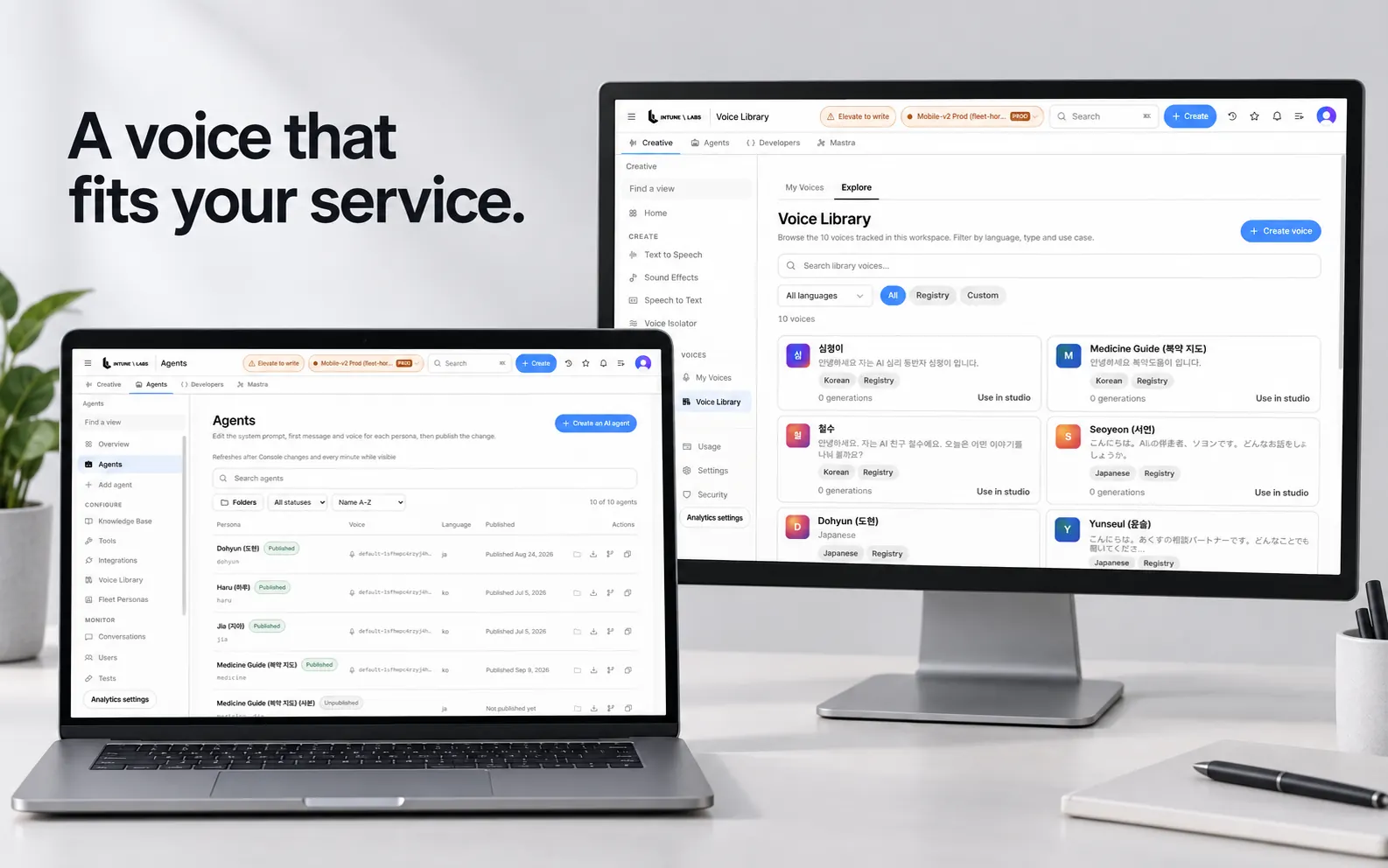
The operator console
Agent list
Published personas with voice, language, and publish date on one screen.
Transcript review
Read back what accumulated in-call and look for cut-offs and gaps.
Call records
Recordings and records are stored for review in the same console.
Follow-up
The work left after a call is closed out on that screen.
Schedules
Regular-call triggers are ready; app-side wiring is still in progress.
Usage
What a deployment actually consumed — generations and call minutes on Home.
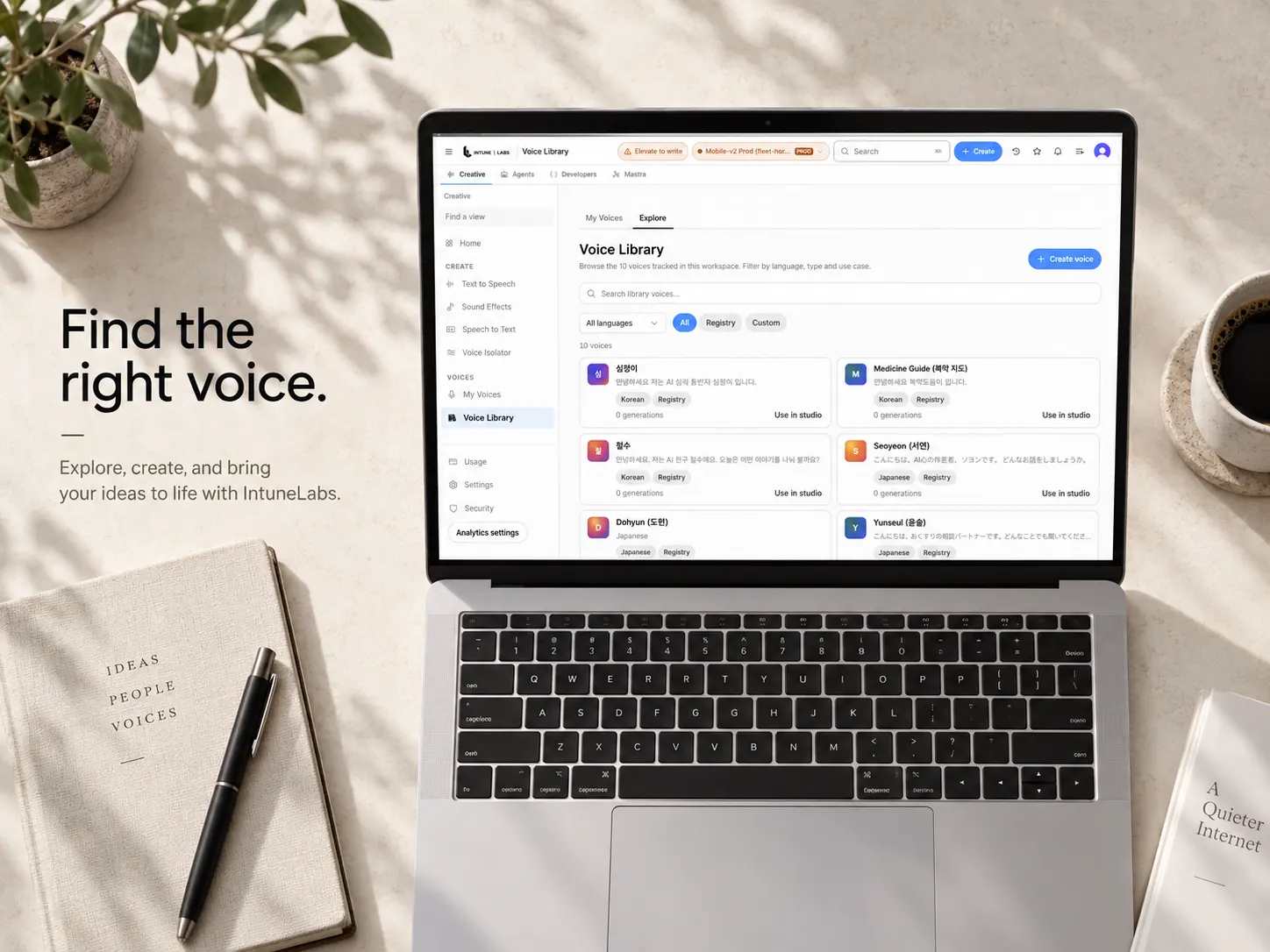
Transports and integration
Browser (WebRTC)
Open a session in the browser with nothing to install. Live today.
Mobile
iOS and Android apps reach the same voice engine. Live today.
Telephony
Architecture is built and key-gated. Integrated per deployment.
Console API
The same data path the console itself reads. Not a versioned public API.
Care and manager apps
UI is complete; backend integration is in progress.
Web app
Families reach the same stack from the browser.
After you have the map
- Blocked on what is live vs gated? Support
- Need the operator sequence? Guides
- See what recently opened Changelog
- See what is still gated Roadmap
- Scope a first use case Talk about a deployment
The examples explain how the stack is assembled in the repository. They do not describe a versioned public API.