ArchitectureHow the pieces connect

Built end to end on the IntuneLabs stack

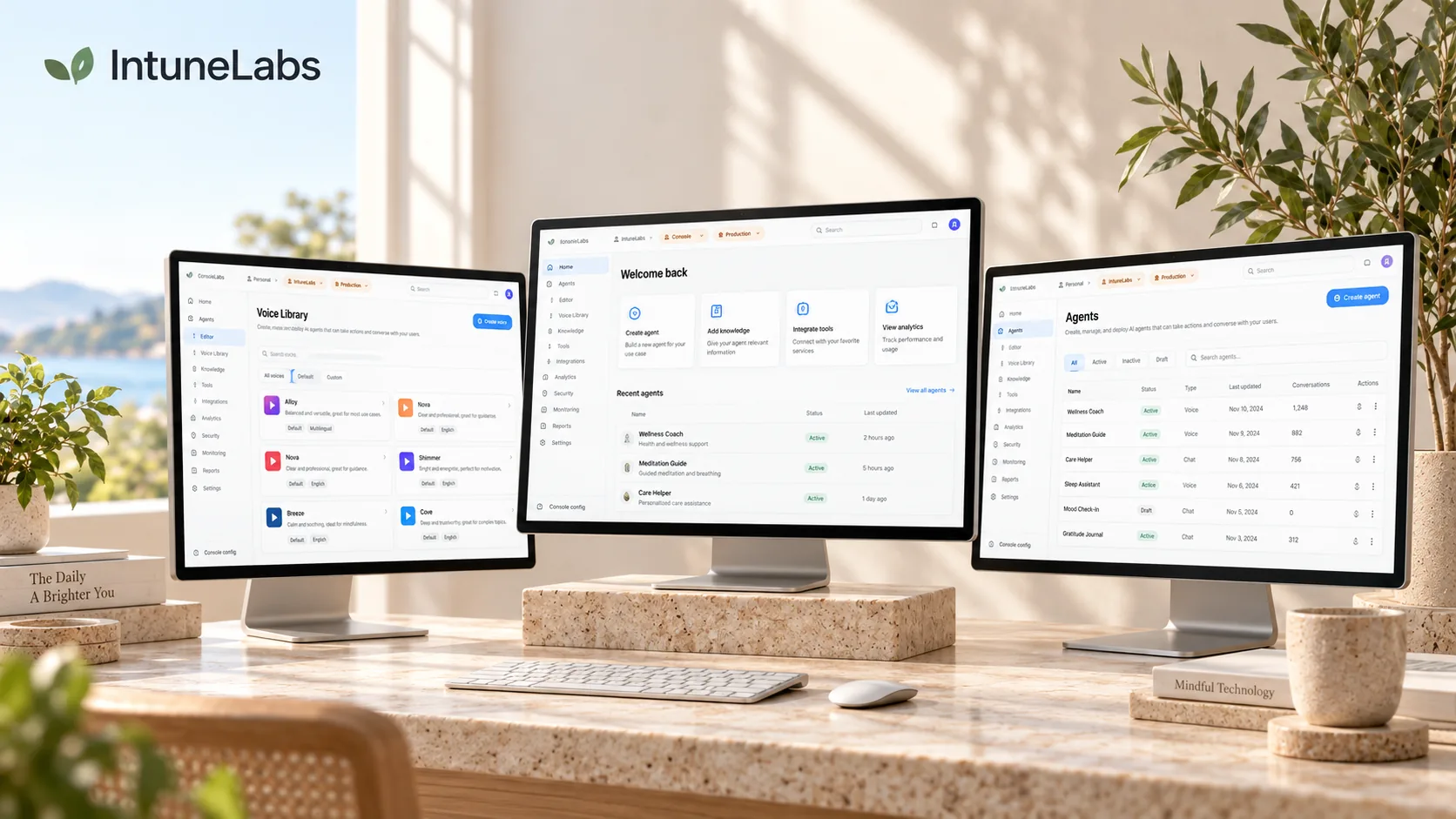
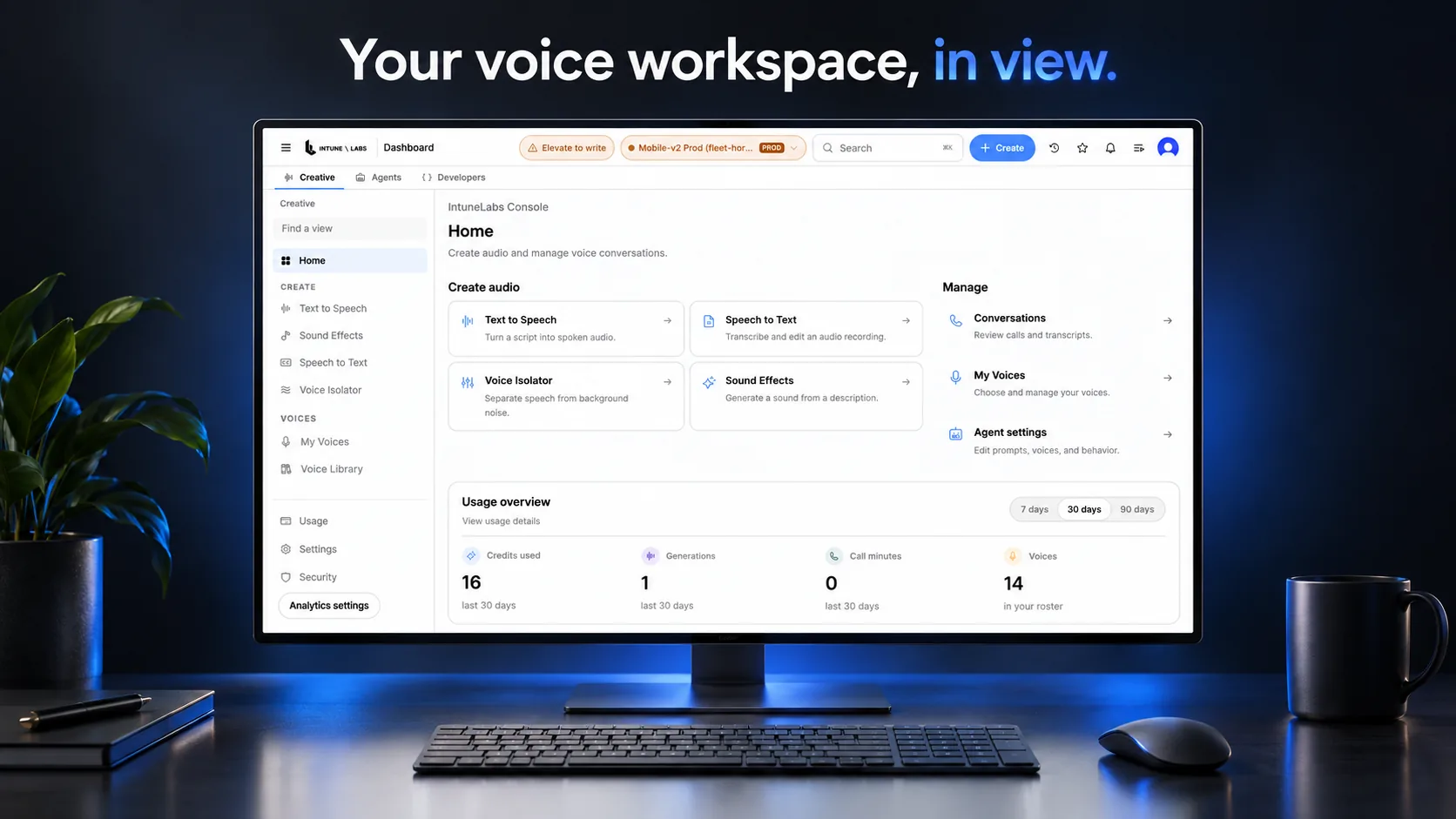
The voice engine, console, apps, and backend share one platform — Convex, Pipecat, Clerk, and vendor speech models, wired together. One team owns the voice engine, the console, and the apps around it, in a single monorepo.

The stack

What is live and what is gated, stated plainly.

  • Web and mobile appsWhere families join a callLive
  • Operator consoleCalls, transcripts, follow-upLive
  • Voice engineThe realtime Korean pipelineLive
  • Care backendSchedules, records, notificationsLive
  • Telephony pathBuilt and key-gatedGated
One monorepoOwned by one team
Korean-firstWebRTCMobileOperator consoleLive transcriptsCall recordingCare workflowsFeature flagsIsolated backendsPSTN-ready

A realtime voice engine

A Korean-first pipeline that listens, understands, and responds in real time — tuned end to end for care conversations.

An orchestration layer we own

Turn detection, barge-in, latency handling, and observation points are ours in code. We rent the models; we build the conversation.

A care operations backend

Domain modules spanning care and consumer verticals, so schedules, records, and notifications move through one data flow.

Console and consumer apps

Web and native mobile apps connect to the same stack, and the operator console handles the work after the call.

One stack

Built on one connected stack

The voice engine, console, apps, and backend share one platform — Convex, Pipecat, Clerk, and vendor speech models, wired together.

Hand tools laid out side by side on a workbench

30+

custom voice-pipeline processors

100+

feature flags

450+

operator-console components

34

care and consumer backend domain modules

Every figure was counted in the repository — audit, August 2026.

The realtime voice engine behind every call

A Korean-first pipeline that listens, understands, and responds in real time — tuned end to end for care conversations.

Korean turn tuningBarge-inFiller audio

An operator console for care teams

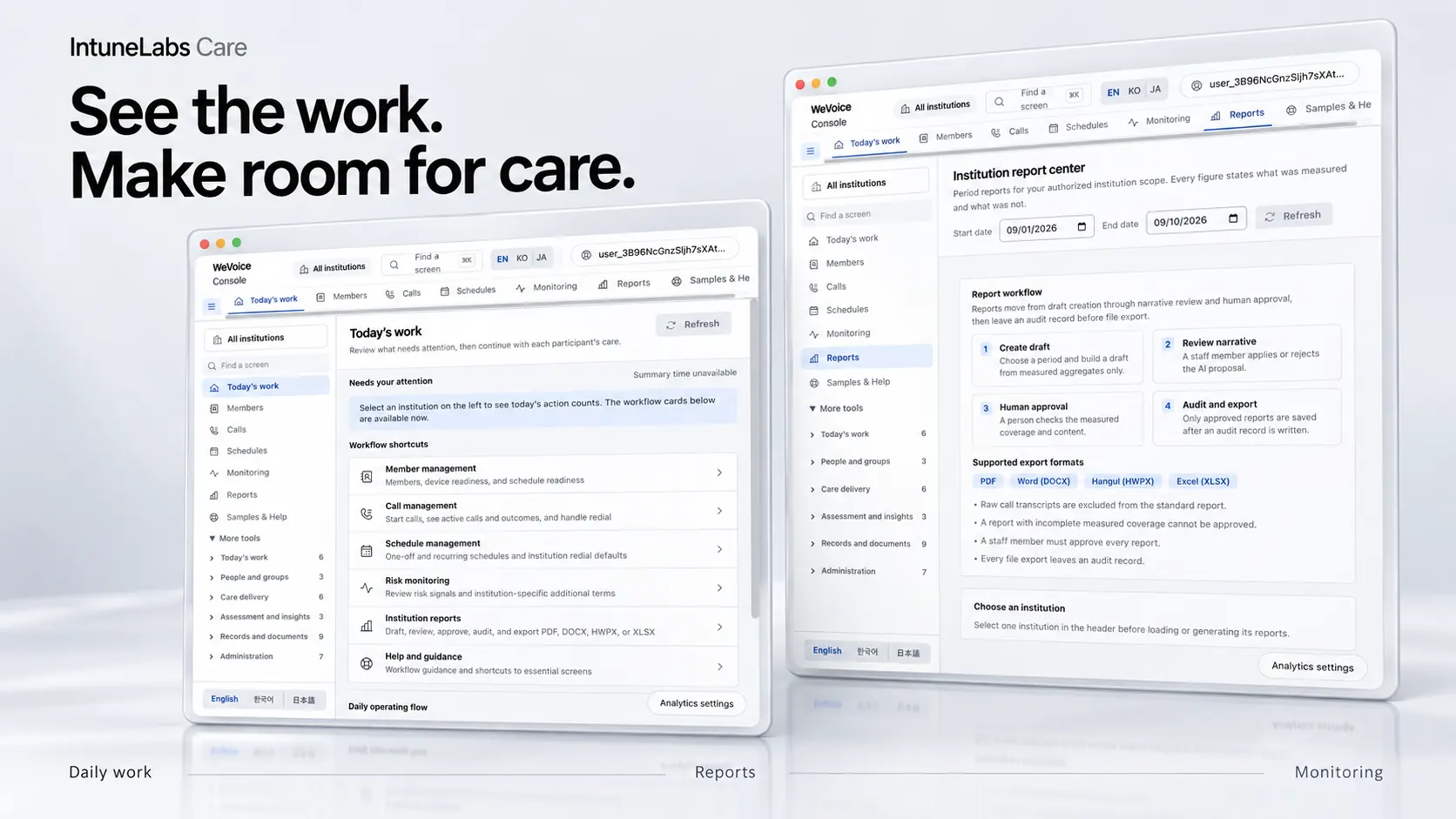
Calls, transcripts, status, and follow-up actions in one screen. The console is where the work after a call actually happens.

Call recordsLive transcriptsFollow-up

A backend spanning care and consumer

Realtime data and auth behind every surface, across two isolated production backends.

SchedulesRecordsNotifications

Web and mobile apps for families

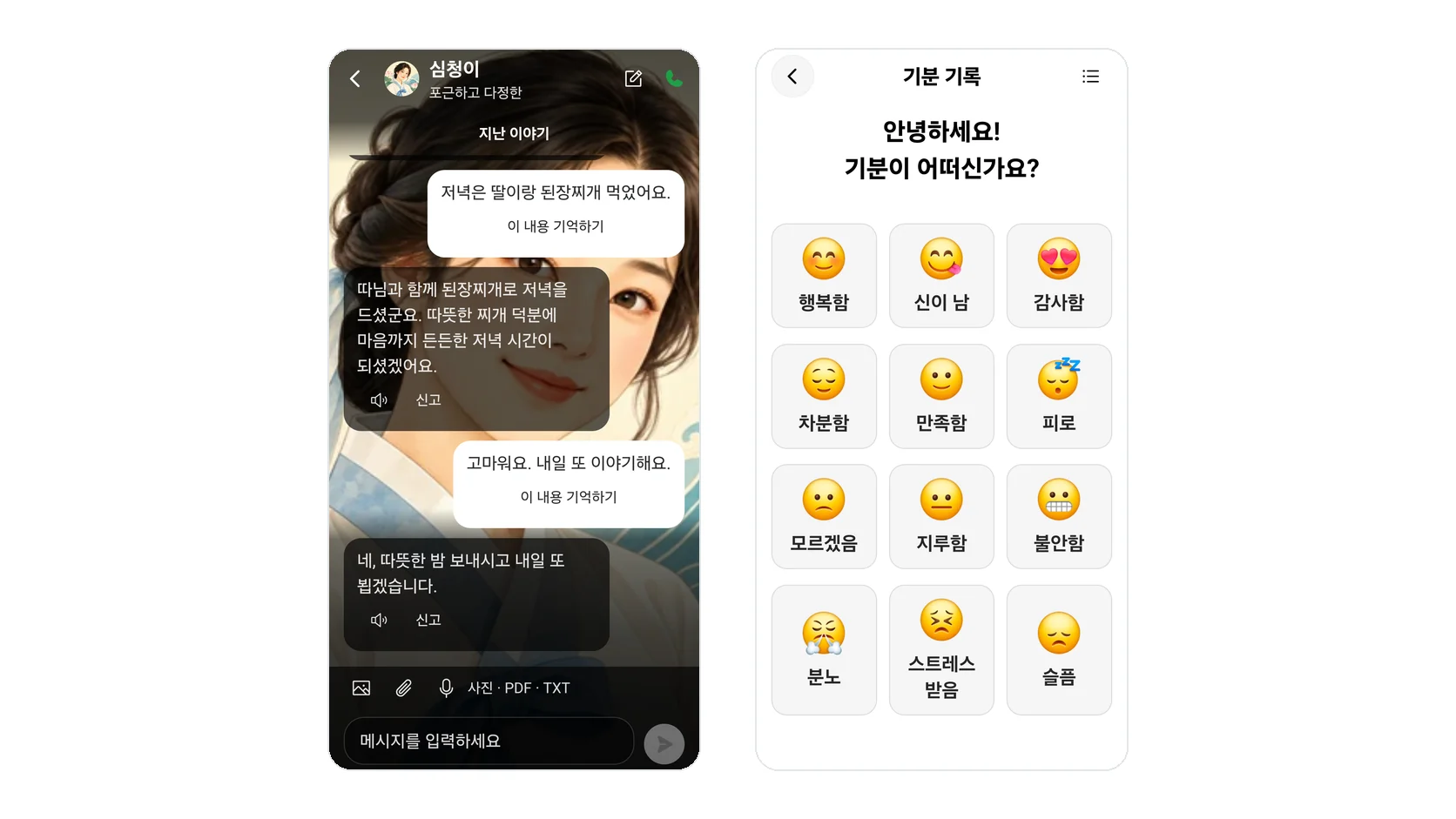
Browser and mobile connect to the same stack. A call starts with no install, or from the app.

BrowseriOSAndroid

Surfaces

The same stack surfaces differently in each place

What the operator sees, what the family sees, and what the data underneath looks like — the same call from three angles.

The operator's view, the family's view, and the data under both

Each card's three tabs show the same thing from a different angle, so you can see at once where a single call lands and in what shape.

Operator console

Calls, transcripts, status, and follow-up actions in one screen. The console is where the work after a call actually happens.

  • Calls in progress and past calls in one list
  • Transcription accumulates while the call is still running
  • Follow-up actions run only after a person confirms them
console.intunelabs.local

Call list

  • Calls in progress
  • Calls waiting
  • Completed calls

Production actions run only after a person confirms them.

Web and mobile apps

WelVoice ships as a Next.js web app and a native iOS and Android app. The browser connects with no install, and both paths reach the same voice engine.

app.intunelabs.local

App sessions

  • Browser call
  • Mobile call
  • View the call record

Browser and mobile connect to the same stack.

Care records and schedules

Domain modules spanning care and consumer verticals carry schedules, records, and notifications through one data flow. Care and manager apps have complete UI with backend integration in progress.

care.intunelabs.local

Records and schedules

  • Upcoming calls
  • Past call records
  • Follow-up items

Care and manager apps have complete UI with backend integration in progress.

The engine and the layers around it

A Korean-first pipeline that listens, understands, and responds in real time, with the orchestration and reliability layer we built sitting on top of it. We orchestrate vendor models; everything around them is our code.

Call session pipeline

  1. TransportA layer we built
  2. Speech-to-textA vendor model we orchestrate
  3. Korean turn tuningA layer we built
  4. Language modelA vendor model we orchestrate
  5. Speech synthesisA vendor model we orchestrate

What we build and what we borrow

We don't train our own speech or language models — we orchestrate vendor models and build the Korean tuning, orchestration, and reliability layer around them.

We also state which parts are live and which are not open yet. The telephony architecture is built but key-gated, and the care and manager apps have complete UI with backend integration in progress.

One repo, one human gate

Engine, console, and consumer apps are built and monitored by the same team, on one monorepo.

Fail-closed deploy guard

A human is the only gate to production

Call flow

How a call moves through the stack

Whether it starts in a family's app or on a care team's console, the call passes through the same engine and lands in the same backend. Pick a path below to see what each leg does.

A family starts a call

A family starts a call from the browser or the mobile app, the voice engine handles the conversation, and transcript and record hand off to the care backend.

CallTranscriptFamilyVoice engineCare backend
FamilyVoice engineCare backend
Node
// A call session started from the browserconst session = await voice.startSession({  transport: "webrtc",  locale: "ko",  pipeline: "korean_realtime",});

Operations run from one screen

Calls, transcripts, status, and follow-up gather in one place. The console is where the work after a call actually happens, and more than 450 components make up that screen.

repository audit, August 2026

  • Watch calls in progress
  • Read transcripts live
  • Open a call record
  • Handle follow-up
  • Manage schedules
  • Adjust feature flags
  • Review usage
  • Run only after a human confirms

Calls

Needs review
OverviewIn progressNeeds review

Calls this week

Weekly count against last week

Updating during the call

Recent callsAll time
Regular check-in callComplete
Schedule confirmation callComplete
Follow-up callIn progress
Retry after no answerWaiting

Needs review

Due todayAwaiting confirmation

Confirm follow-up actions

They run only after a person confirms

Safety

Security and reliability, enforced in code and at deploy

Every backend function authenticates in its own handler, enforced by an abuse suite in CI and at deploy, and a guard wrapper refuses a deploy that would drop a live function.

  • Every backend function authenticates in its own handler
  • Verified by an abuse suite in CI and at deploy
  • A guard wrapper refuses a deploy that would drop a live function
  • A human is the only gate to production
  • Risky paths are off by default
  • Personal data is redacted before it reaches the record
  • Split across two isolated production backends

Fail-closed deploys

A guard wrapper refuses a deploy that would drop a live function; a human is the only gate to production.

Auth enforced in every handler

Verified by an abuse suite in CI and at deploy

Backend domains

Domain modules spanning care and consumer

Schedules, records, notifications, flags, transports, auth, and reports are separate domain modules that make up one data flow. 34 modules make up that flow — counted in the August 2026 repository audit.

MTWTFSS
Schedules

Regular calls are scheduled and managed

Weekly, recurring, or one-off — call schedules are managed in one place.

Learn more
Records

Transcript and recording land on the call record

Transcript and recording remain on the record after the call, for later review.

Learn more
Notifications

Notifications follow the rules you set

Rules decide which notification goes to whom, based on how the call went.

Learn more
Flags

Feature flags stage what is open

More than 100 flags decide, in stages, what opens and when.

Learn more
Transports

Every transport carries a stated status

Browser and mobile are live; telephony is built and key-gated.

Learn more
Auth

Auth is enforced in every handler

Every backend function authenticates in its own handler, verified in CI and at deploy.

Learn more
Reports

The aggregates operations actually need

Calls and follow-up aggregated for operations and read from the console.

Learn more

A closer look

One layer deeper into the platform

What each layer owns, what is open, and what is still gated — set out in one place.

What is live, on one card

Status differs per surface. This card sets out what runs in production today and what is still gated, without rounding either up.

Feature flagsDeploy guard
Talk to us

Stack surfaces

Voice engine

Running in production

Operator console

Running in production

Web and mobile apps

Running in production

Care and manager apps

UI complete, backend integration in progress

34/34

Backend domain modules

Care and consumer backend

Counted in the repository

repository audit, August 2026

  • Browser voiceLive
  • Mobile voiceLive
  • Telephony pathGated

Read further

Would you like to walk the stack with us?

We'll start from what runs today and what is not open yet, and go from there.

The realtime voice engine

See how the pipeline tuned for Korean conversation actually runs.

Scoped per deployment

Scoped and priced per deployment rather than by a fixed plan.